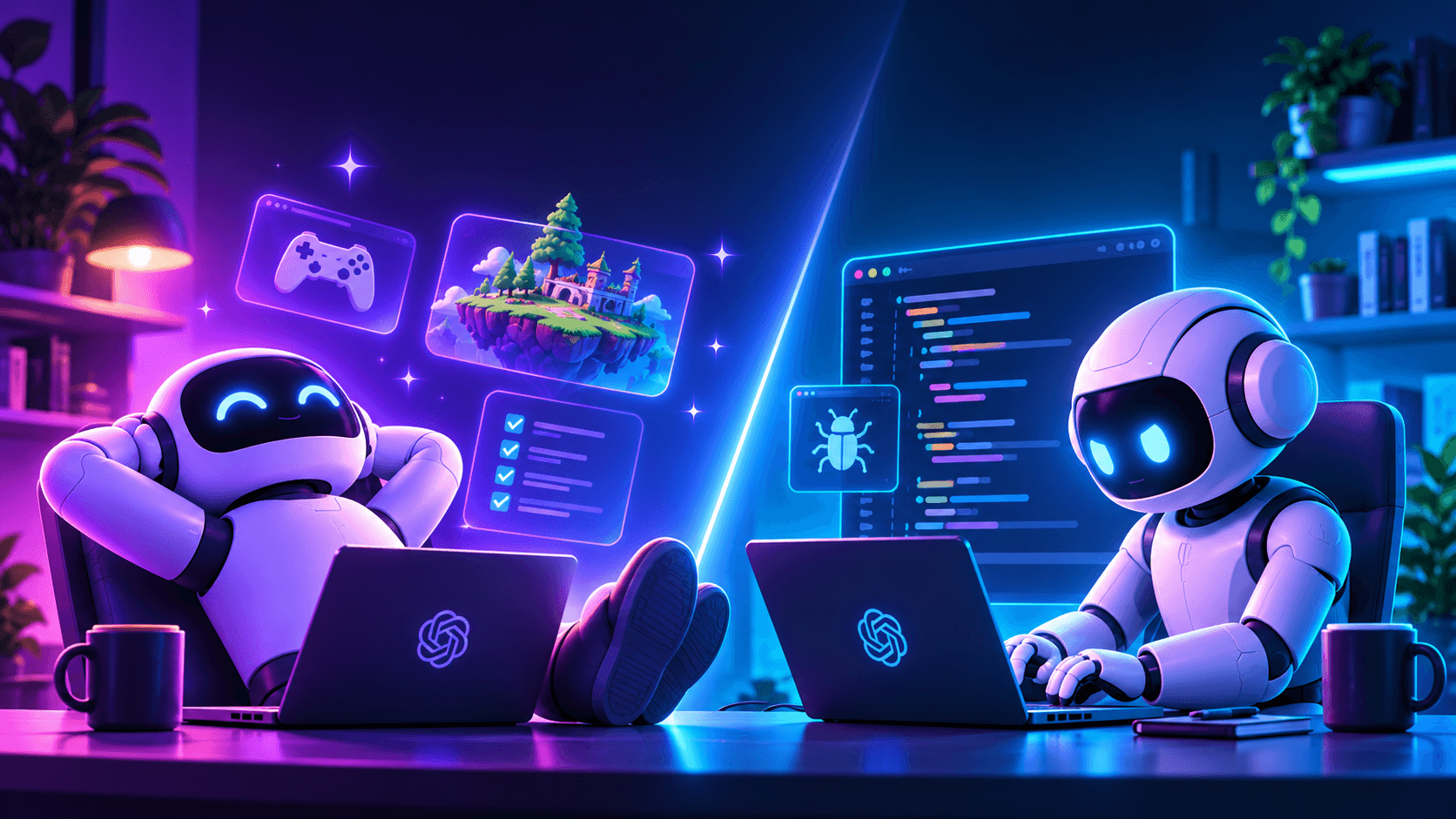
Two effective approaches to AI programming
I've been using AI as a part of my programming workflow ever since ChatGPT was first unveiled. I've gone from taking what stack overflow says, to taking what chatgpt says into my program. Then I went from that to cursor tab to complete, and I thought that was magical (might be low-key underrated these days). From there we've gone to hands-off agents, agent reviews, and who knows what'll come in the future.
It's apparent from the past few years that one approach does not stand above the rest. As the models got better, the best strategies in using them kept changing. As new tools and interfaces to use models got developed, we have more ways than ever to use AI in software development. The question is, which approach is best right now? Which approach is future-proof? What should I learn? As of today, I have 2 viable approaches to offer you. Both are very different and serve different needs. Utilize either or, at the appropriate place.
Strategy 1: Full vibe code
Vibe code when the consequences for bugs is low and the experimentation rate is high. Don't bother reading code, only concern yourself with the output. Yes you read that correctly. The models have gotten good enough to where you can now say this and it's actually true. The models specifically in which I would only recommend this is anything that is equal or above to Opus 5.5. So if you're reading this in the future, if there is a model that is at or above Opus 5.5 in terms of coding ability, then this applies. GPT 6 Astra as of the time of writing this article is very good at a lot of things but it's not amazing at writing code that I deem mergeable.
The perfect place then is things that are closer to prototyping. Game dev benefits a lot from vibe coding since you can try several different variations of your ideas and judge the idea itself, and be less beholden to your implementation of it. You can be much much more ambitious than you could be before. The amount of work you can get done now is staggering. Just straight up vibe code. Forget skill files (they're overrated, you don't need them), agent harnesses, context management techniques (to an extent), prompting techniques (to an extent) and just tell the AI what to do. It handles figuring the entire thing out. There is no strategy, no meta that requires you to learn uber specific methods when using Claude Code, Codex, Cursor, or any other AI coding platform.
AI can test on its own. My only advice here is to prevent AI from falling into doom spirals and stopping at local maxima. Have clear intent. You should still be able to guide it by suggesting different approaches entirely when you're stuck. What's more likely at this stage is that you guiding it with very specific asks may have a strong likelihood of it not finding the best solution. As a bonus tip: Avoid writing comments, and avoid writing excessive and tautological tests.
Simply, let it cook. Be as ambitious as you can be, your token usage is the limit the sky is the limit. Focus on automating as much of your process as possible.
Strategy 2: Use AI as a very smart pair programmer.
This is a strategy you may want to deploy in the following cases:
- You want to maintain a code level understanding of the system, not just broad concepts.
- You have human coworkers reviewing your code and don't want to throw mountains of slop on them.
- You don't have access to a Opus 5.5 tier model.
- You need to be token efficient.
Think of vibe coding like you are not in the driver's seat the AI is. You're simply guiding it and giving it directions. Here it's the inverse. You will still be in the drivers seat since you have to watch the road (read the code). AI can assist you with planning larger scale code changes but you're the executor. At most AI can write for you functions that are fully captivated by your attention.
When you're given a problem, as you would before AI you would go through the trouble of breaking down the steps yourself until you could take them on piece by piece. Whatever workflow you had pre AI you'll need to dig it back up here. You're the one going into files, changing code and keeping track of the problem in your head. AI helps with planning and getting what's in your head into the text editor faster, but you're still keeping track of the problem yourself. Instead of having large ambitious cycles where all you do is describe outcome of what you want, here you'll be describing the mechanical change that you want to take place and make sure that AI is reined in to only make code changes that you yourself would have made. This is a moderately effective method but don't just use it to type faster.
Before beginning a code change yourself, ask your AI how to implement said change because what it tells you might surprise you. I've found that many times AI will actually have a better plan for what I wanted to achieve anyway and the only way I found out is just by asking what it thinks. So, have a little faith in the "stochastic parrot" it might surprise you.
Bonus strategy: Use AI heavily for debugging
This is a part of strategy 2 but really AI excels at debugging. It's very good at finding them (too good, given the recent cyber security fiascos). But rather than telling to find them and fix them, use it as an opportunity to understand the bug and fix it yourself. In my experience the AI often patches the symptom rather than the root problem. This is also how code bases that are heavily steered by AI become giant messes since it devolves into bandage fixes onto more bandage fixes. Use AI to catch bugs and use your own judgement as to how you want to handle them. This will help you learn and prevent your codebase from bloating out of control.